Enforce 2FA
Requires every user to set up two-factor authentication, with graduated warnings, lockout, and self-service recovery.
What it does
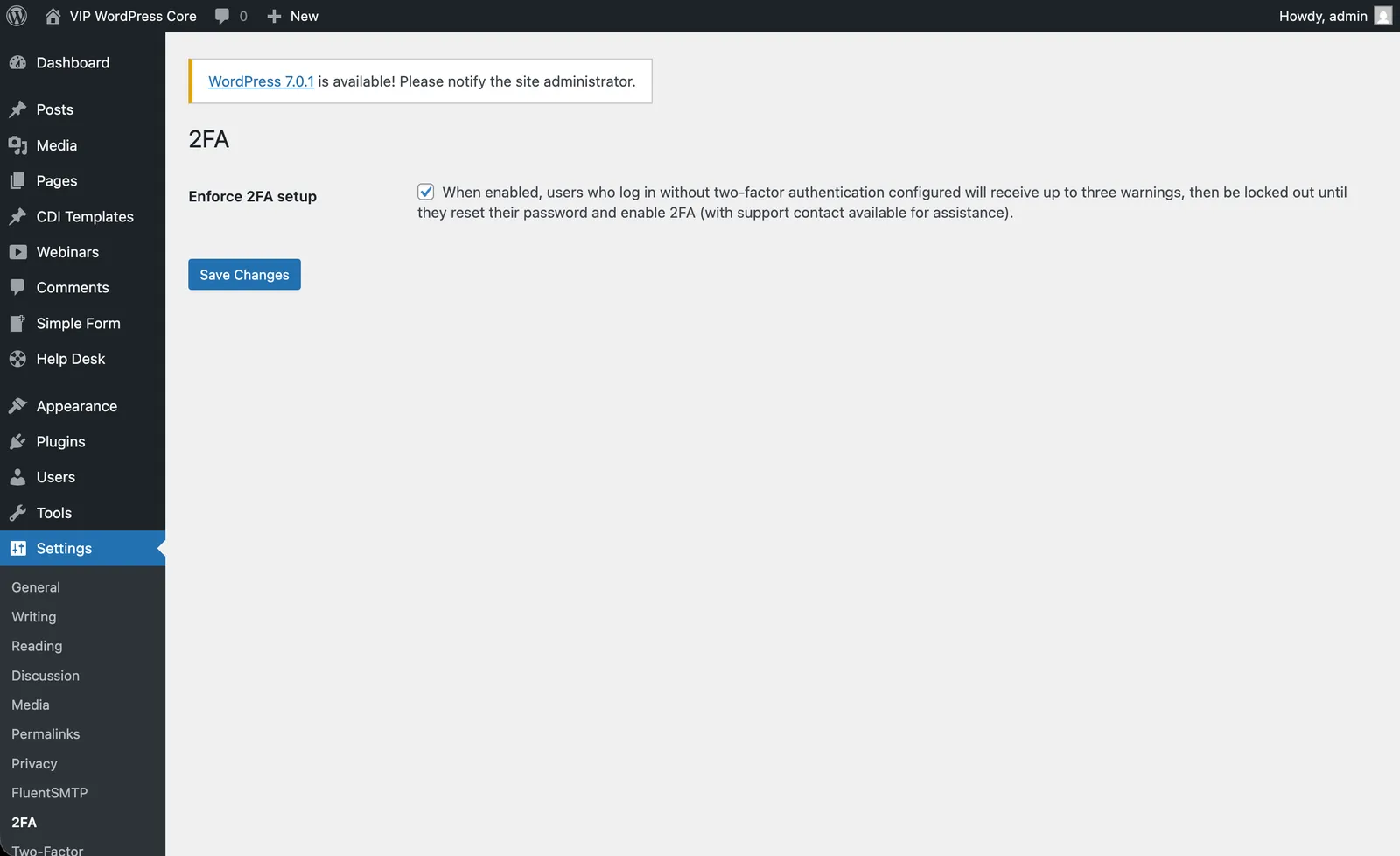
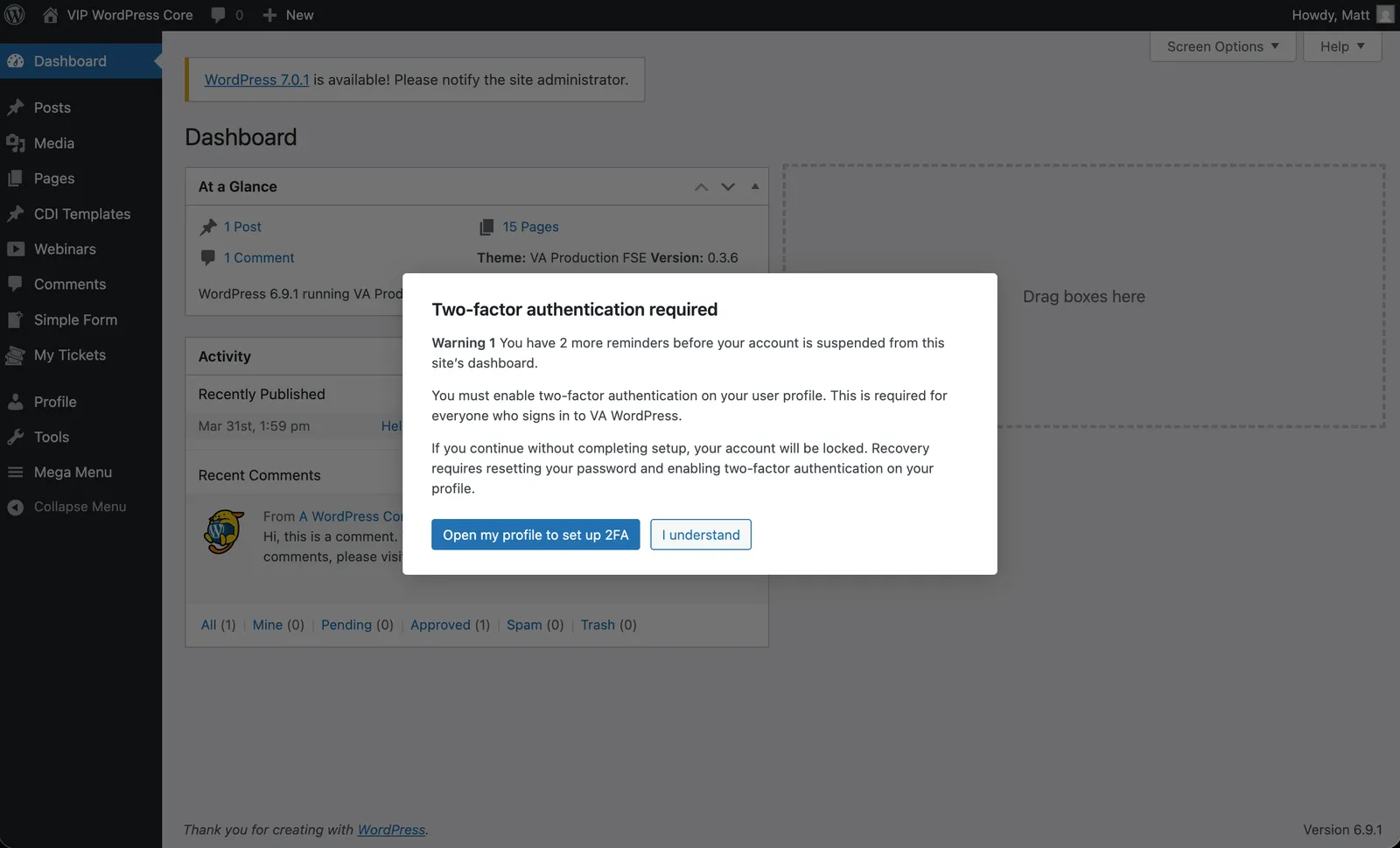
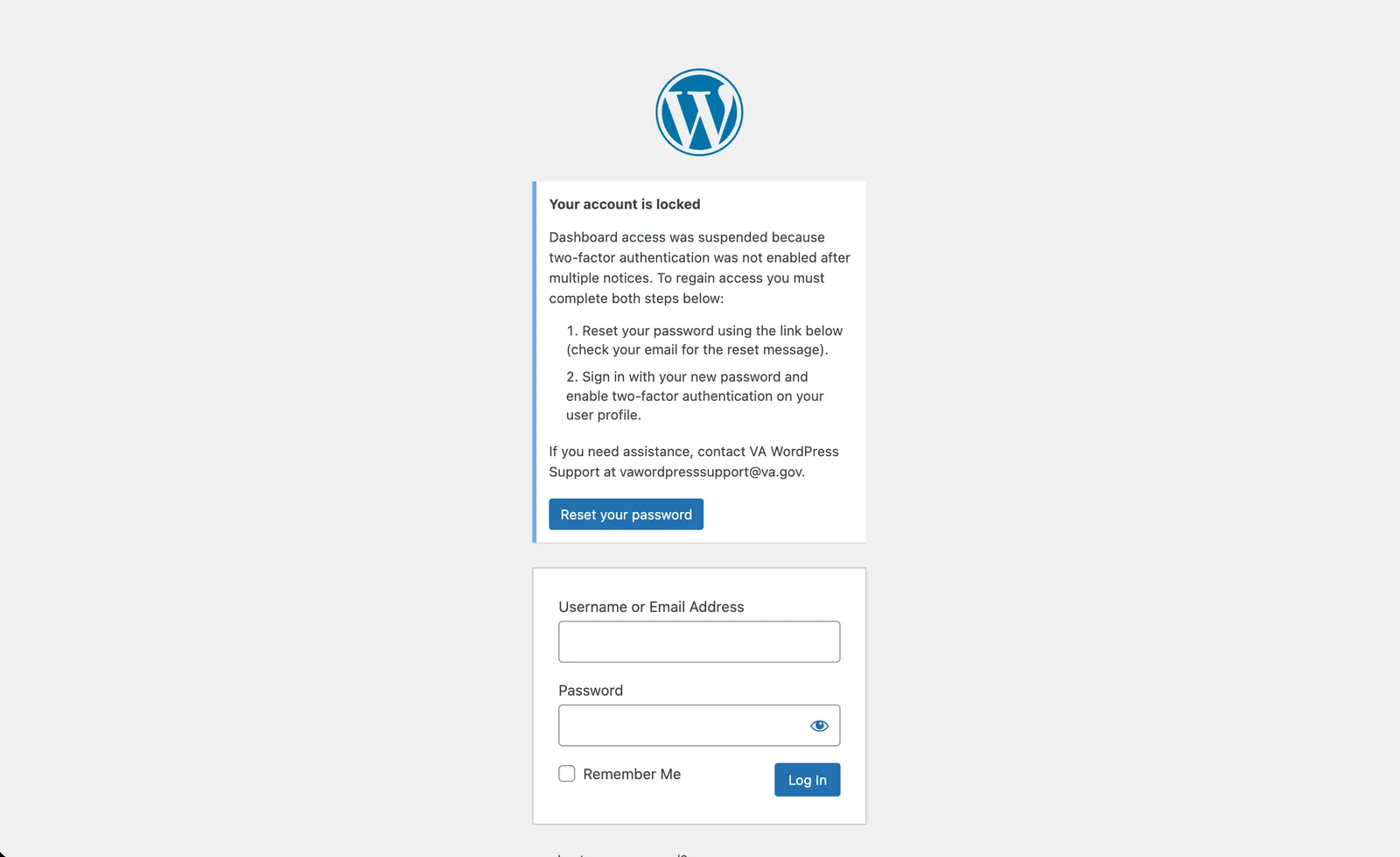
When enforcement is enabled, users who have not configured two-factor authentication receive escalating admin warnings and are ultimately blocked at login — until they either finish 2FA setup or complete a self-service recovery, a password reset paired with 2FA, within a limited window.
Why it exists
On a platform serving a large, security-sensitive organization, optional two-factor authentication is effectively no two-factor authentication. Mandating it protects every account, but a hard lockout with no way back in just generates help-desk tickets and lost access. This balances strict enforcement against a self-service recovery path.
Engineering considerations
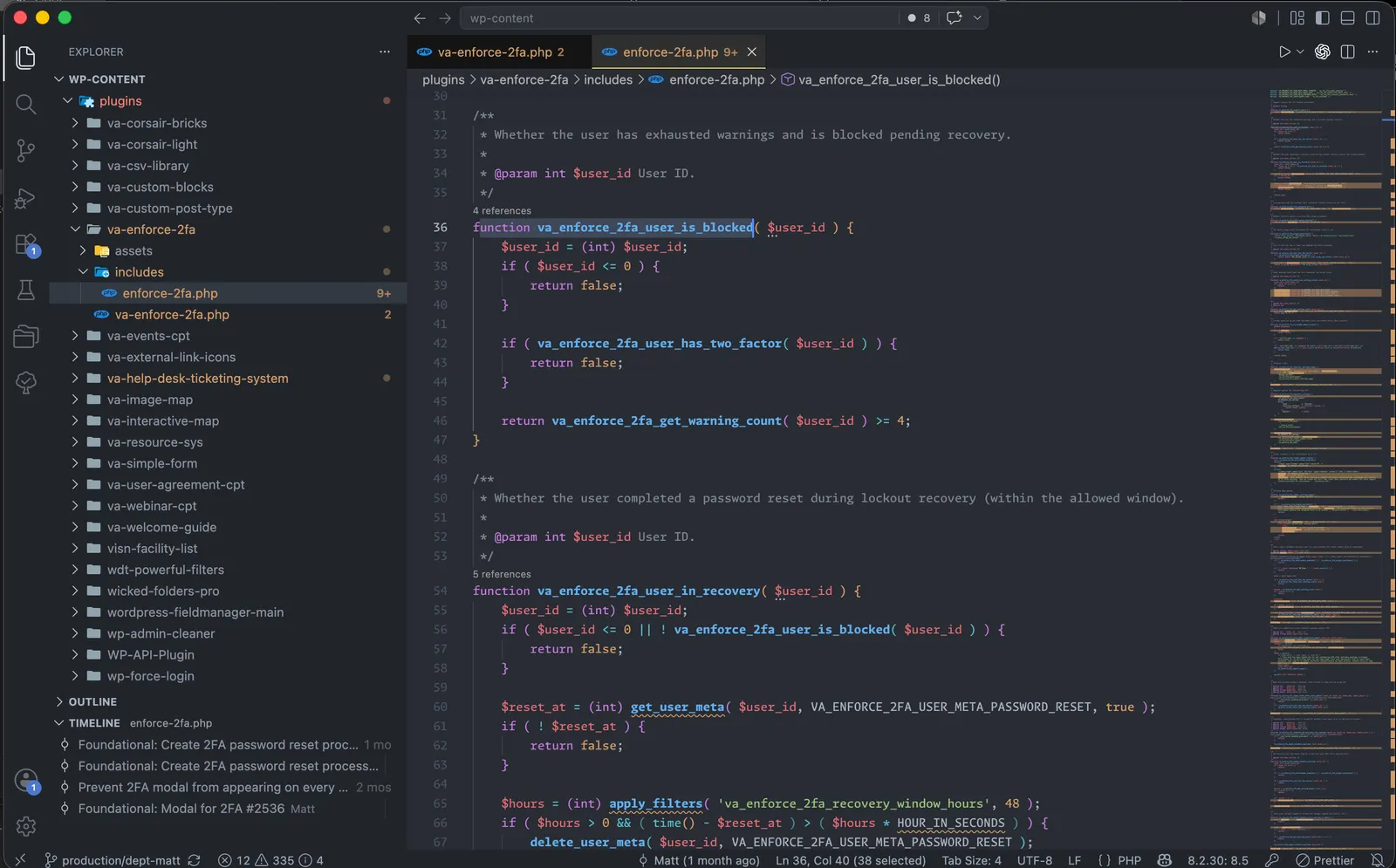
It builds on the established Two Factor plugin rather than reimplementing authentication, tracking warning counts and recovery state in user meta and preserving the original option and meta keys for data continuity. Lockout is applied in the login flow only after a defined number of warnings, recovery is time-boxed through a filterable window, and completing setup clears all warning state — everything configurable from a dedicated settings screen.