Sidebar Navigation
A three-level in-page sidebar that both navigates a hierarchy and switches page sections, with a mobile drawer.
What it does
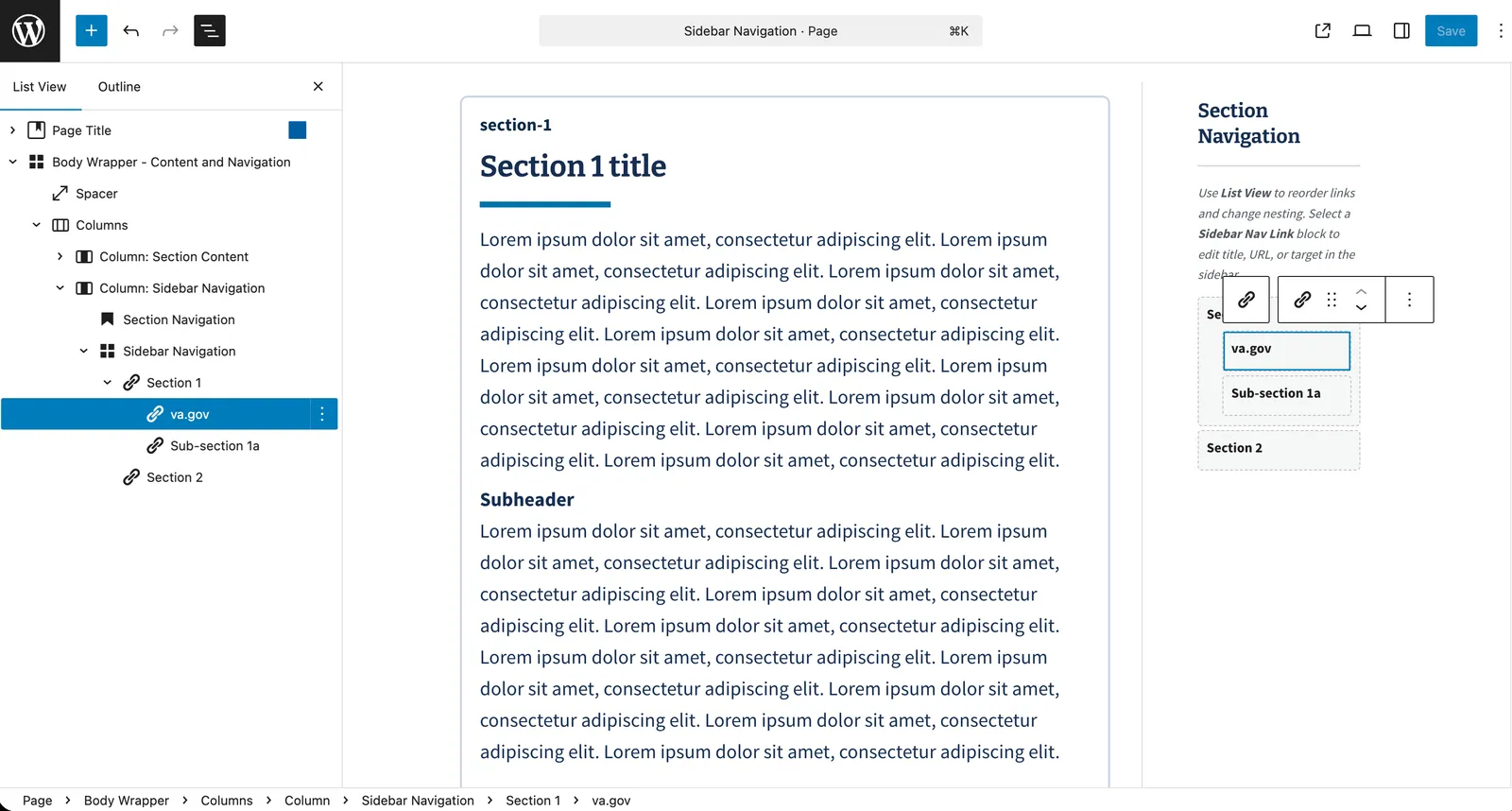
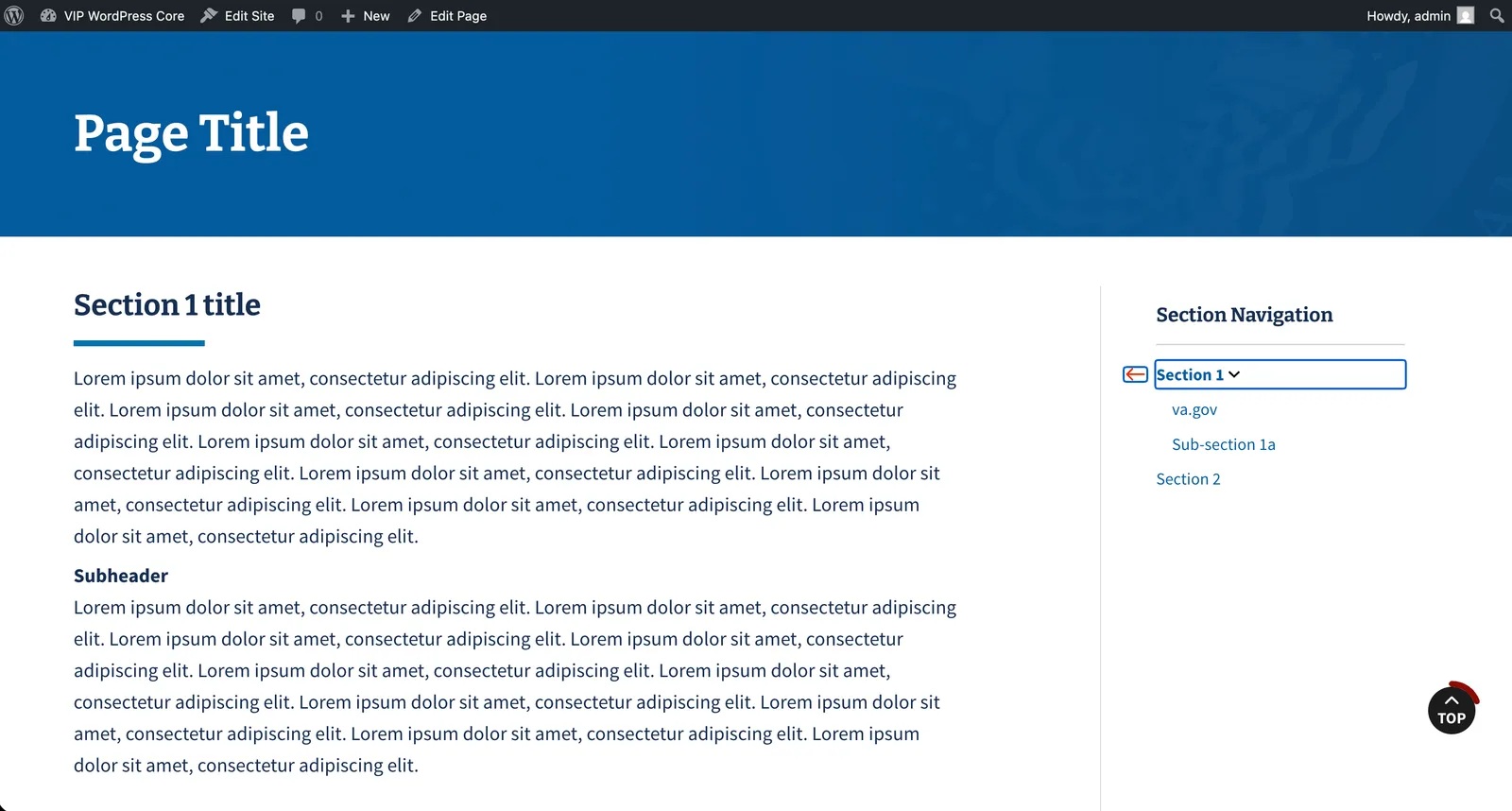
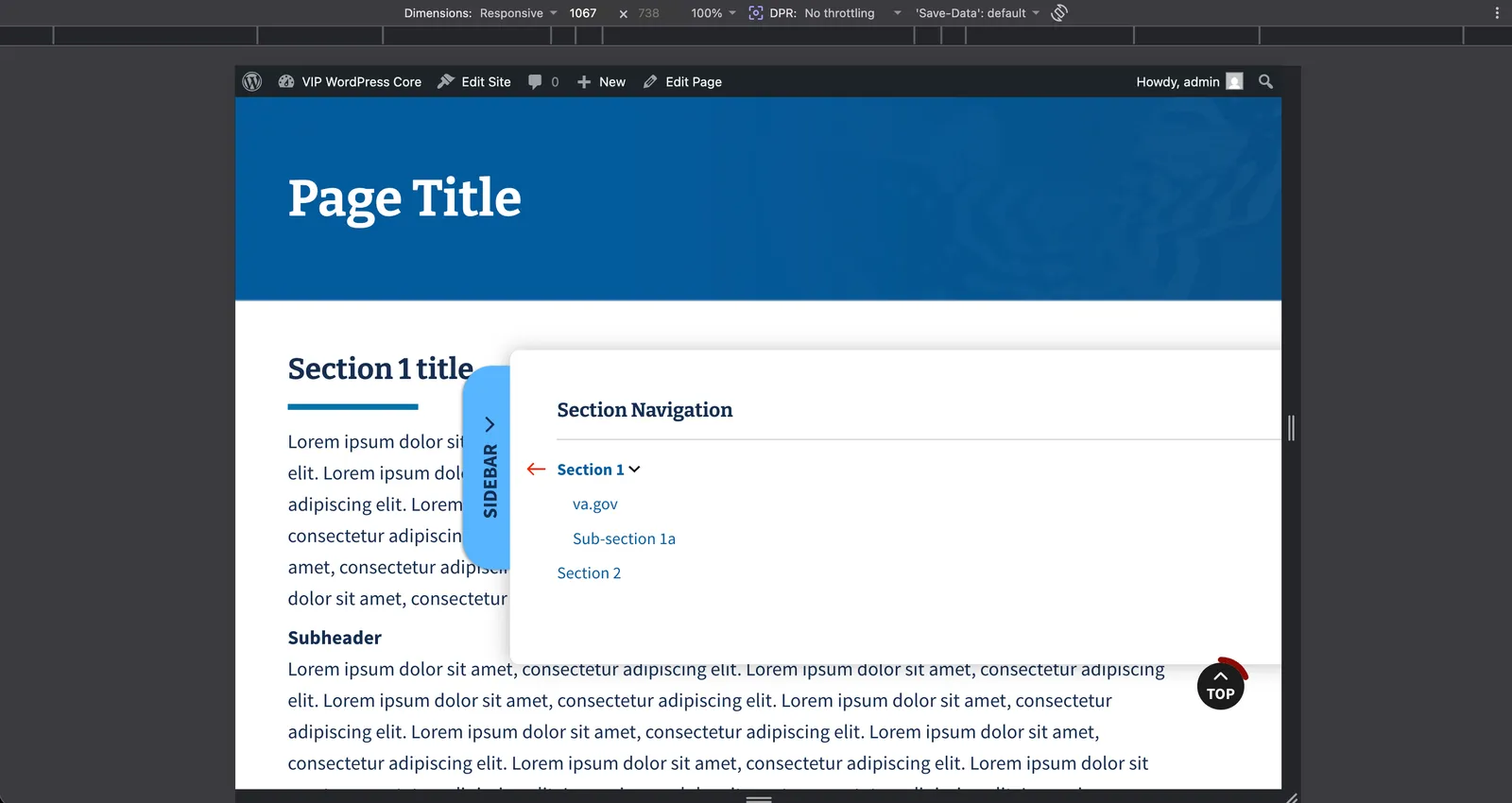
A set of three coordinated blocks — a sidebar container, nestable nav links up to three levels deep, and section targets — gives a long page a persistent sidebar. Links expand and collapse their children, and clicking a link crossfades the page to the matching content section while hiding the others; on mobile the whole sidebar becomes a toggled drawer.
Why it exists
Deep, document-heavy government pages need wayfinding that a single flat menu can’t provide. Combining a hierarchical tree with section switching lets one page hold many sections without punishing length, while keeping the entire structure editable in the block editor.
Engineering considerations
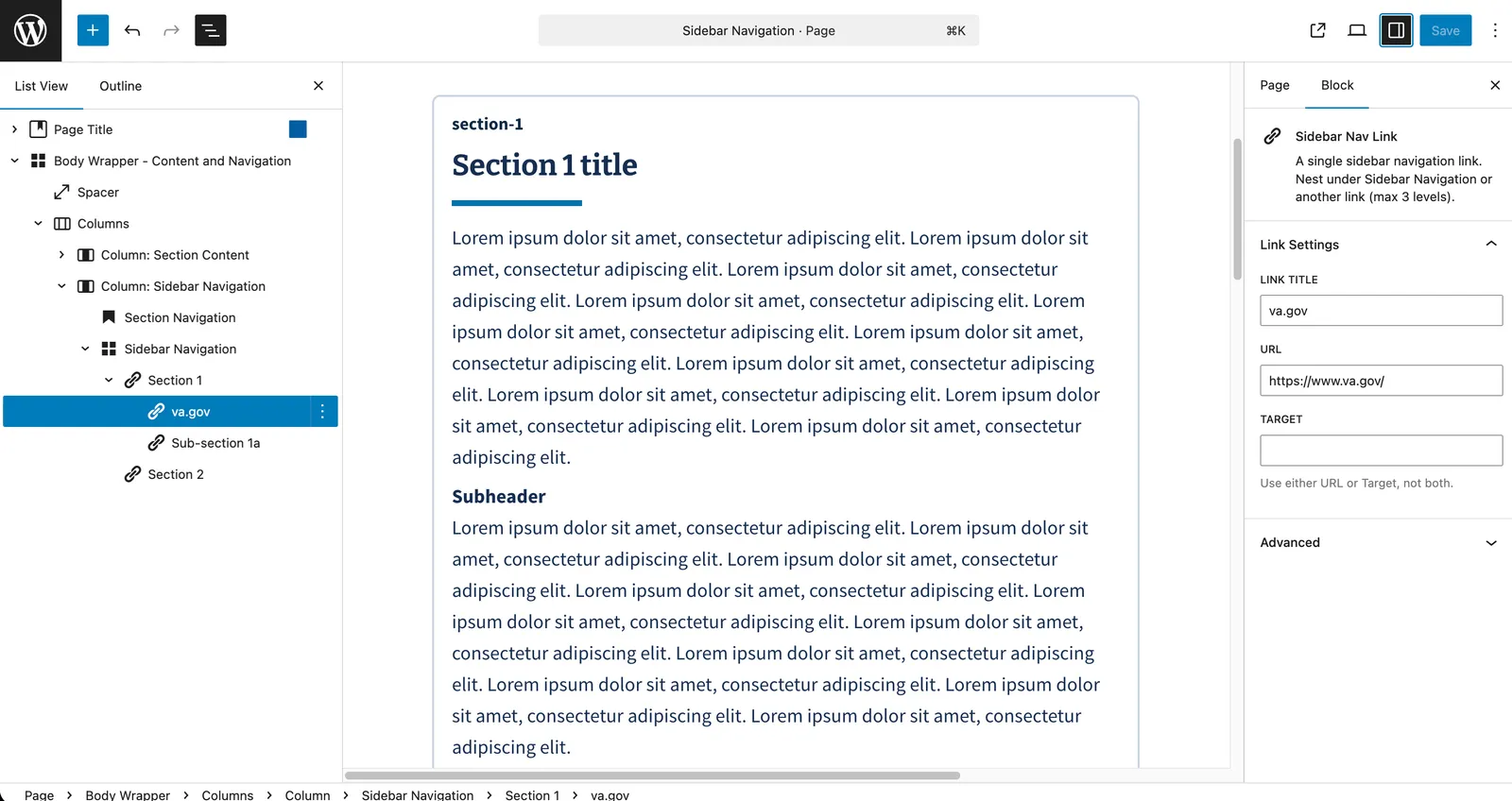
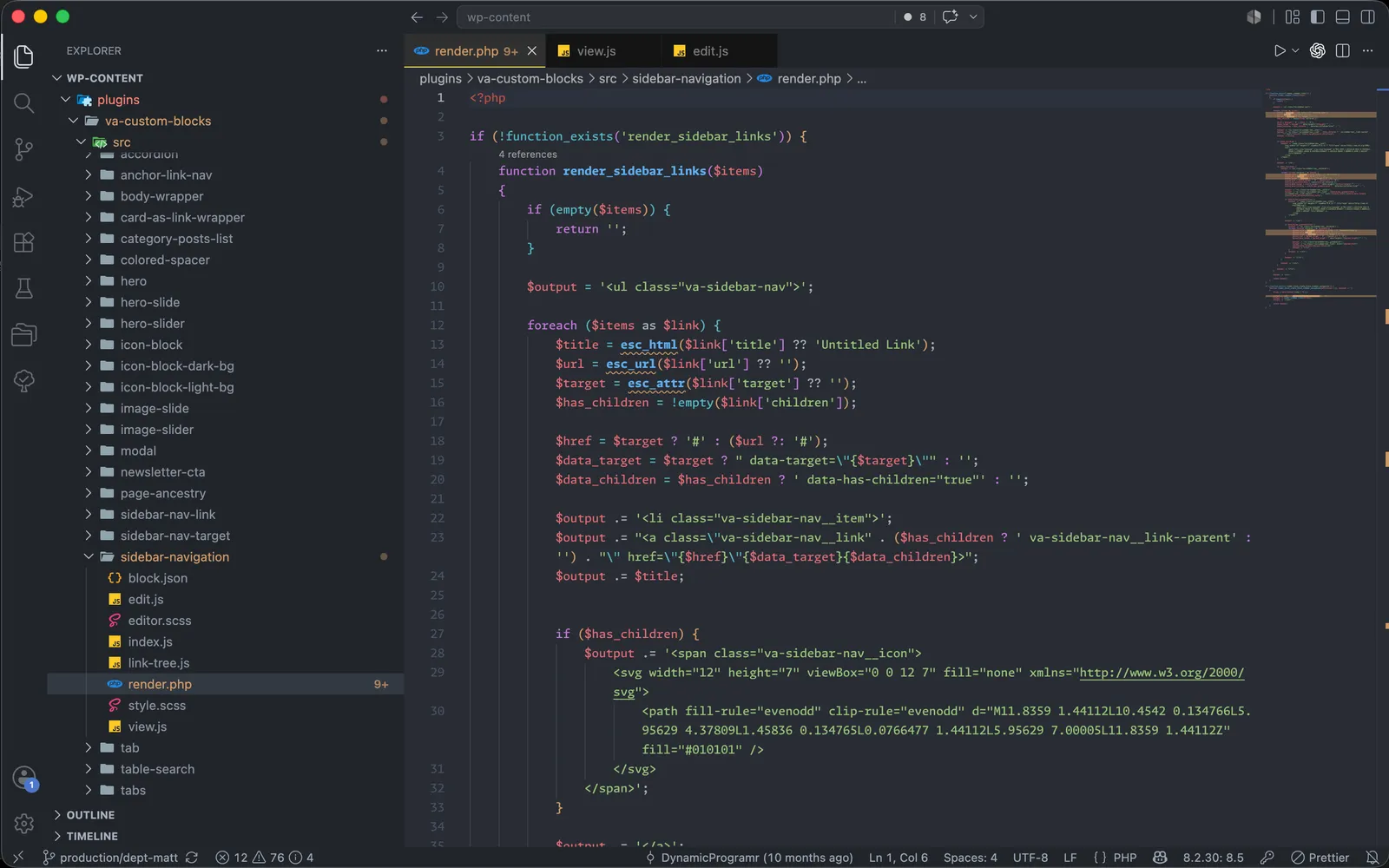
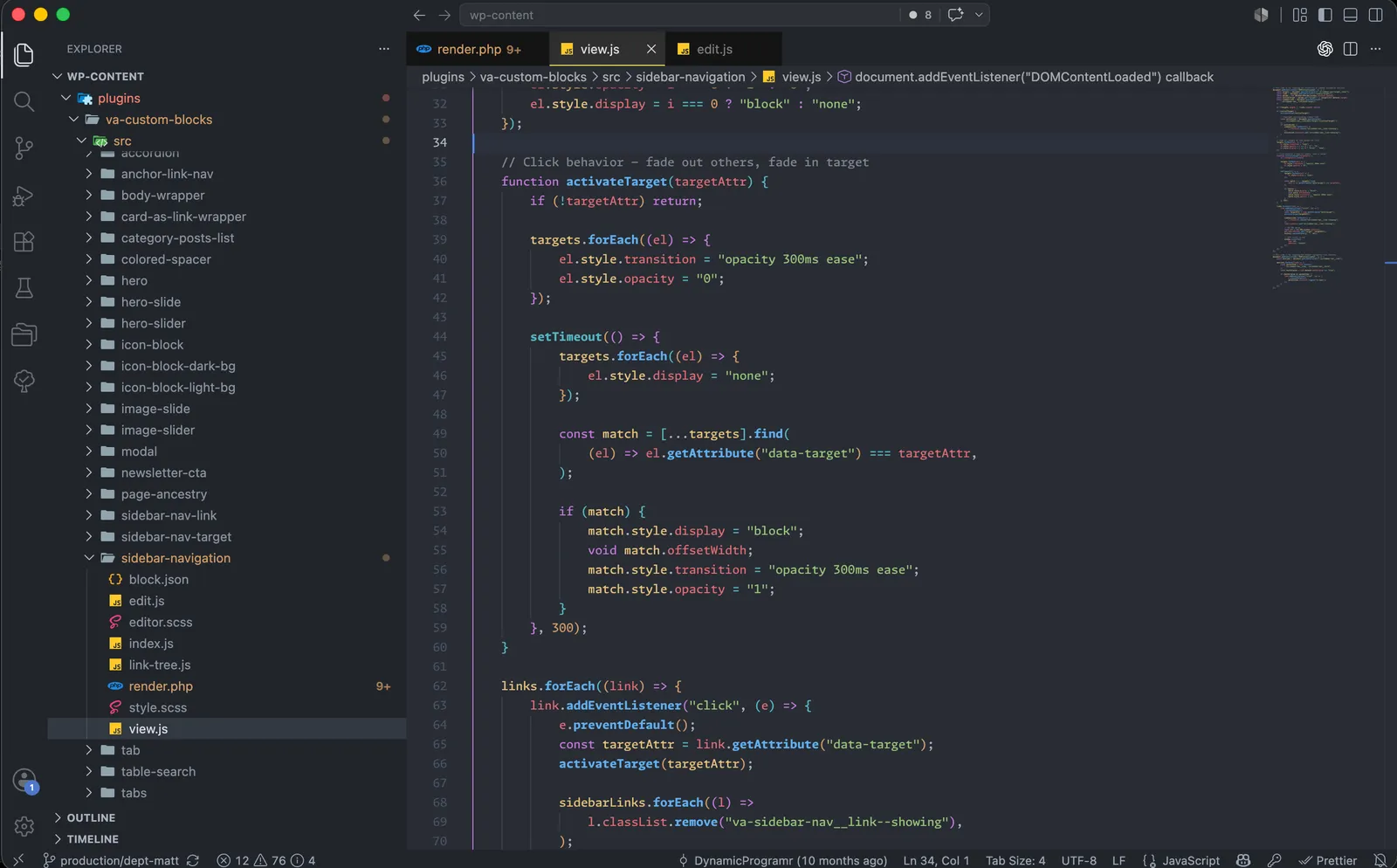
The blocks are authored and reordered in List View, with the container storing the link hierarchy and each link and target as its own nested block. A small view script manages three concerns independently: expanding and collapsing branches, fading the active target section in as the others fade out, and the mobile drawer — with an active-link state kept in sync throughout.